What Is a Digital Business Profile?
Discover what a digital business profile is and how MailZip helps local businesses showcase their products, connect with customers, and get found online.
Read story ↗
Find practical answers about MailZip profiles, plans, appointments, enquiries, customer discovery, pricing, QR codes, and getting started.
MailZip helps businesses build a professional digital presence and helps customers discover businesses, products, and services.
Choose Create business profile to visit the MailZip dashboard. Register there and follow the steps to add your business details, products, and services.
Choose Explore businesses to open the MailZip directory. Search there for a business, product, or service and check its profile for contact and appointment options.
The pricing page shows published rates when available. Confirm the current price, billing period, and included features in the dashboard before subscribing.
MailZip Business Profiles support appointment requests. Availability and confirmation depend on the individual business.
These products are shown as coming soon on the current MailZip website. Availability will be announced through official MailZip channels.
Check the billing area of your dashboard for available upgrades and the terms that apply to your account.
Always review the business information and confirm availability, pricing, and service details directly with the business before making a commitment.
No answers match your search. Try a different phrase or contact us.
Tell us what you are trying to do and we’ll point you in the right direction.
Contact support ↗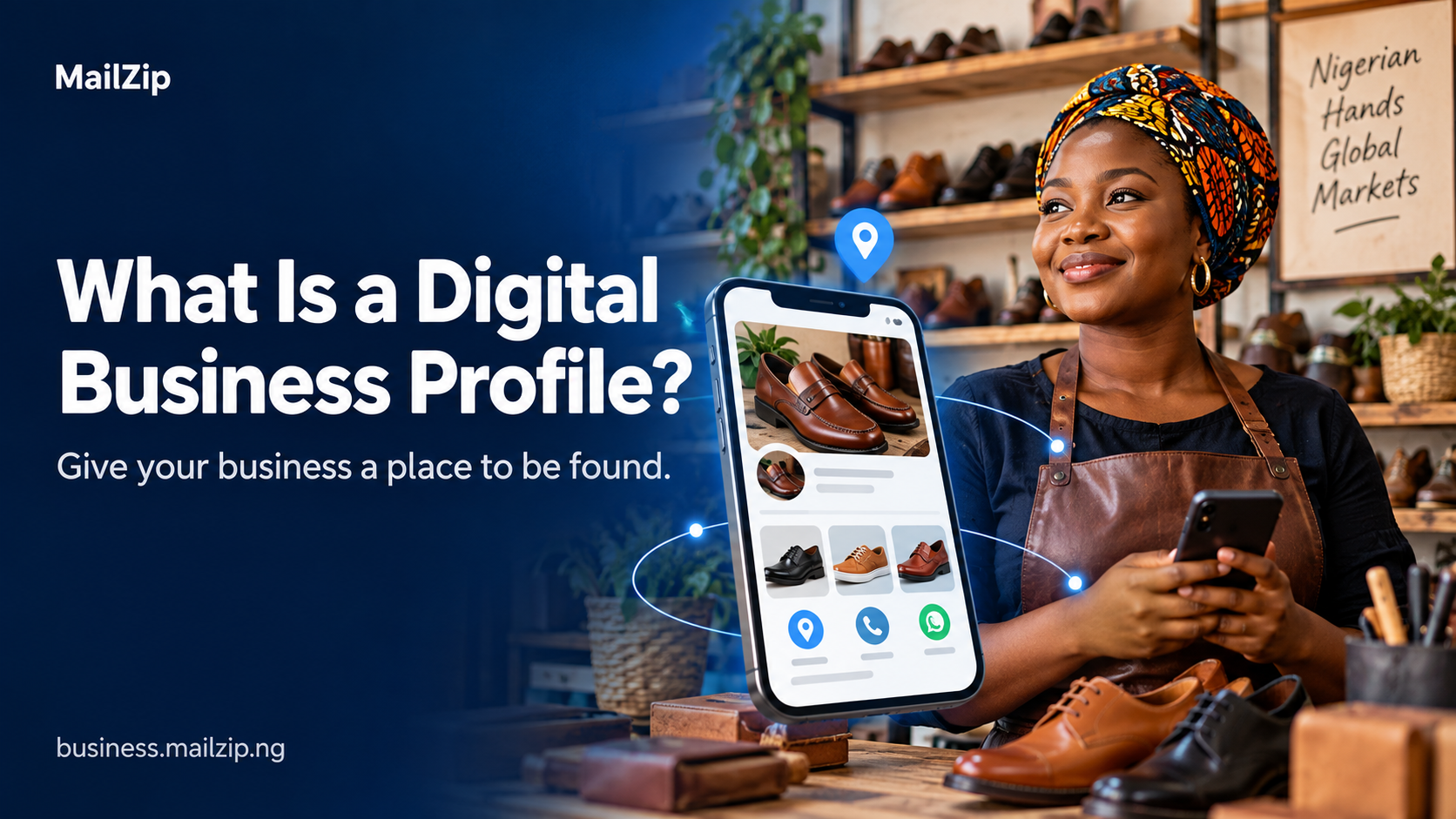
Discover what a digital business profile is and how MailZip helps local businesses showcase their products, connect with customers, and get found online.
Read story ↗A practical checklist for turning a first impression into a useful customer connection.
Read story ↗Help the people around you understand what your business can do for them.
Read story ↗A new customer. A local favourite. A connection that counts.